


If you’re in the market for an email marketing tool, you’ve likely come across MailerLite.
Launched in 2010, MailerLite built its reputation as an intuitive, affordable tool for creators and small businesses to grow and engage their audience.
Its core value lies in simplicity: easy automation, clean design, and basic segmentation that gets the job done without overwhelming users.
After testing dozens of email marketing tools and reading real user feedback on Reddit, I’ve realized there are better MailerLite alternatives. Ones that give you more flexibility, better pricing, and modern features that suit how we actually write and send emails nowadays.
MailerLite is still a solid platform, but, in my opinion, it lacks essential features for newsletter growth and monetization.
While MailerLite has served many users well, feedback from some users (especially on Reddit) shows a growing sense of frustration. Here’s what they pointed out:
- It’s expensive: “In my case, I have 18,000 emails in my list. If I want to send 1 email, I have to pay the plan up to 20,000 i.e. $200/month. That’s… a bit too much.”
- You must pause automations to make changes.
- No scheduling option like “every weekday.”
- You can’t send a daily email at the time the user first subscribed.
- No way to publish emails online.
- And more usability issues that affect workflows.
I also reached out to my good friend Tina Lopez. She used to be a business coach, and now she’s a successful content creator. She’s been using MailerLite for years and has set up all kinds of advanced automations, so I asked her what she thinks of the platform.
Here’s what Tina shared with me:
“MailerLite Pros:
- The best beginner-friendly email service provider that includes automations
- More integrations and partnerships than any other email service provider I’ve come across
- Cheapest email service provider plan when you’re just getting started
MailerLite Cons:
- No built-in creator monetization
- No shareable automation templates or landing pages
Overall, MailerLite is the best newsletter platform I recommend for someone who’s getting started in their business. Long-term, Kit is the best platform if you’re looking for a more creator-focused business. beehiiv is the best platform for media publishers.“
It honestly took way more time and energy than I expected to research and test all these tools just to figure out what actually works. Super frustrating. But that’s exactly what I had to do.
I ended up trying out three different newsletter platforms before finally settling on beehiiv (more on that in a bit).
For now, let’s look at some paid and free alternatives to MailerLite, ones I’ve personally tested, plus a few others that come highly recommended by fellow content creators.
My 10 best MailerLite alternatives
1. beehiiv
- Best for: Anyone looking for an all-in-one tool to write, publish, grow, and make money from their newsletter.
- Pricing: Plans start at $39/month.
- Free trial: You can try beehiiv’s Scale plan free for 14 days.
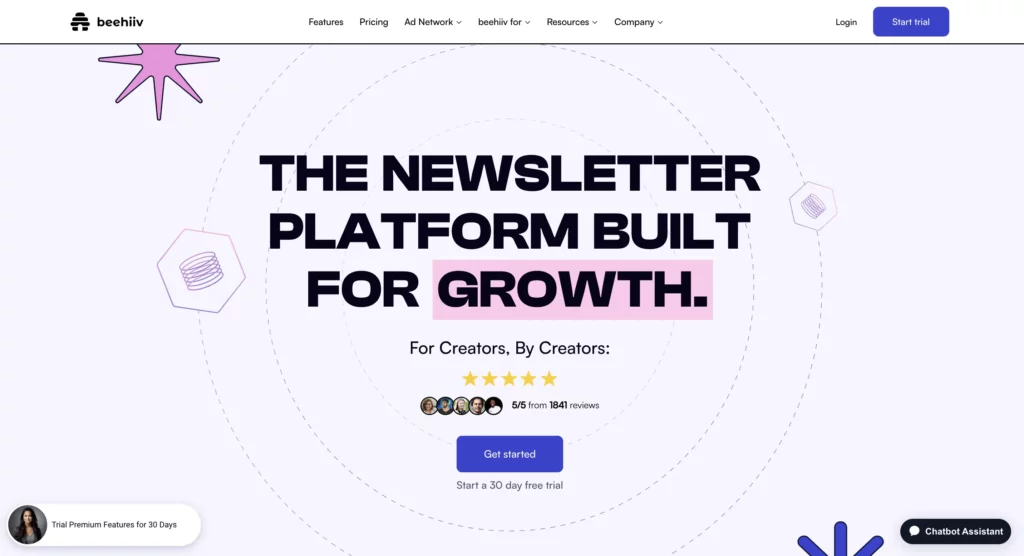
beehiiv is one of the newest newsletter platforms. It launched in 2021, but it’s quickly become one of my favorite alternatives to MailerLite.
Here’s a quick look at what I’ve done with beehiiv in 2024:
- Built an email list of 1,100 subscribers
- Made $940.32 from boosts and sponsored ads
- Earned $1,583.75 through the beehiiv Partner Program
- And I pay $69/month to use the platform
Not bad for something that’s just a side project, right? Most of my time still goes into running my website and working with clients.
What I love about beehiiv is how much you can do with it. You can segment your audience, track what’s working, set up paid subscriptions (I make $7/m per subscriber), earn from sponsored ads, and even launch an optimized website using their Website Builder.
Unlike MailerLite, beehiiv offers lots of different tools to grow and monetize your audience.
For example, Boosts lets you pay to get new subscribers, but it’s not just about spending money. You can also earn money by promoting other newsletters!
According to beehiiv, the average cost to get a new subscriber through Boosts is around $2.25.
I’ve had Boosts running on my own newsletter, and I usually earn between $1 and $3 for each subscriber I refer.

I’m sharing more details in my detailed beehiiv review.
There’s also a video that explains well how Boosts work.
Curious if beehiiv is right for you? Try it for free for 30 days and see for yourself! If you’re into it, use my code TRYBEEHIIV to get 20% off your first 3 months! 
2. Kit (former Convertkit)
- Best for: Setting up email automations.
- Pricing: Starts at $15/month for up to 300 subscribers.
- Free trial: You get 14 days to try out the Kit Creator plan for free. You can sign up for a free trial here.
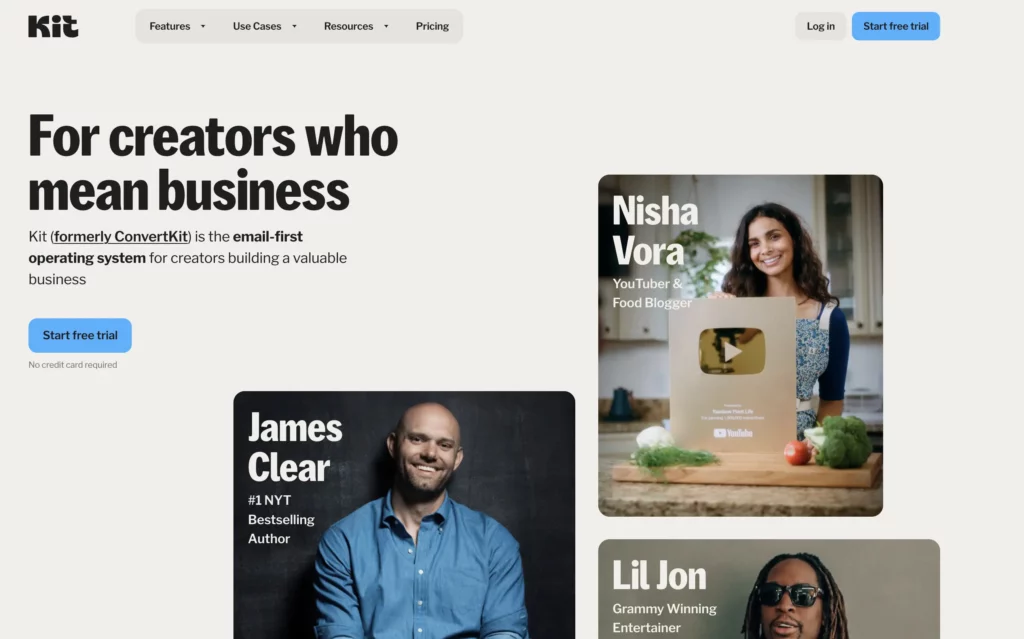
A couple of years ago, I switched from Mailchimp to Kit (it used to be called ConvertKit), and honestly, I haven’t looked back since. It’s super easy to use, so I wasn’t wasting time trying to figure things out. I was fully focused on my work.
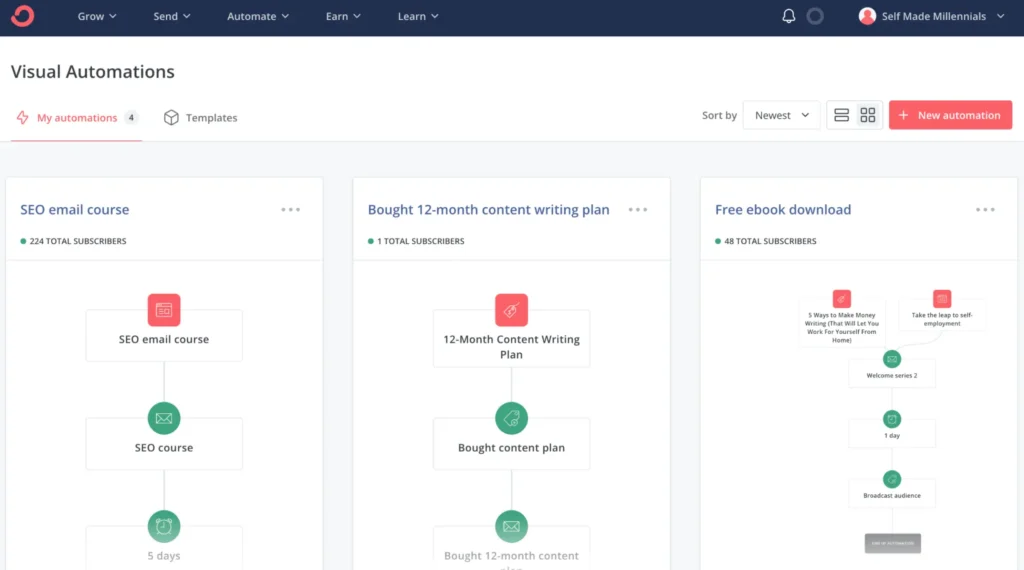
As an SEO specialist, I used Kit to grow and make money from my email list. I was on the Creator plan, which cost around $30 a month. One of my favorite features was the visual automation. It made it really simple to stay in touch with my audience and sell my products without doing everything manually.
With Kit, you can set up email sequences, choose who gets what and when, and let it all run in the background. It means less time stressing about emails and more time focusing on the stuff that actually moves the needle.
Here’s an example of how I set up automation inside Kit:
One thing I like about Kit is how fair they are with pricing, especially if you’re a creator selling stuff through Kit Commerce.
Their transaction fee is only 3.5% plus 30 cents per sale, which is way lower than what you’d pay with Gumroad (10%) or even PayPal (4.75%+).
They also have a free plan that covers up to 10,000 subscribers and includes one automation. I wish something like that had been around when I was just getting started.
If you’re curious and want to learn more, I wrote a full Kit review you can check out.
If you’ve already used Kit and want to find a better option, I’ve put together a list with some of my favorite Convertkit alternatives.
3. Ghost
- Best for: Businesses and creators who need a solid content management system
- Pricing: Starts at just $11/month for up to 500 subscribers
- Free trial: Try it free for 14 days
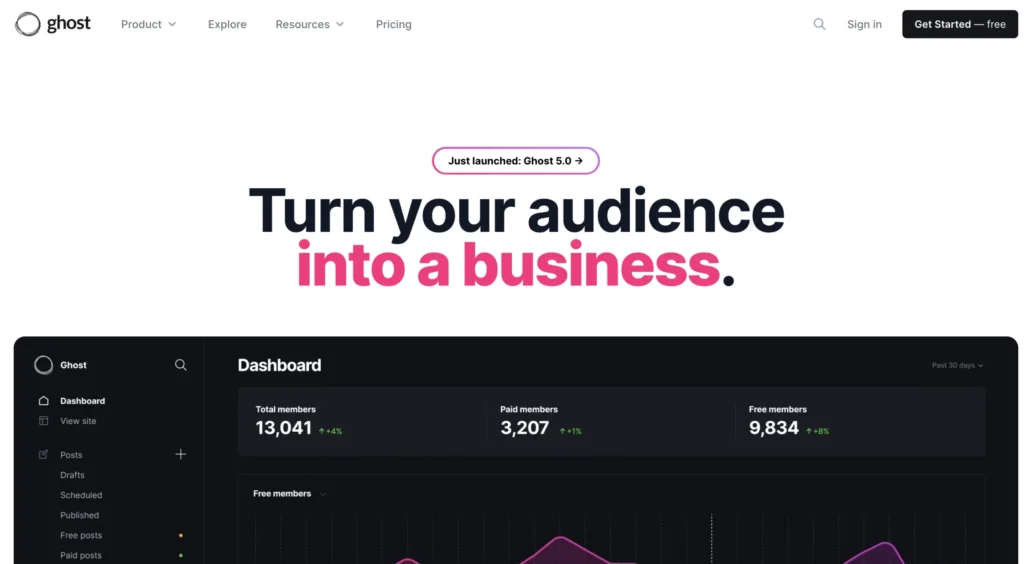
Ghost is kind of like Medium, but with way more flexibility and features. It’s a great pick if you want your own space to write, publish, and have full control over everything you share.
While MailerLite focuses mainly on newsletters, Ghost is more of a full-on blogging platform. It’s made for writers who want to build and grow their audience. You get access to clean, customizable themes, built-in SEO tools, and an editor that’s super easy to use. So yeah, it’s way more than just an email marketing tool.
With Ghost, you can send both free and paid newsletters, set up memberships, and if you’re tech-savvy, even host the whole thing on your own server.
And here’s a big plus: Ghost doesn’t take a cut from your revenue.
Plans start at just $9/month, which is pretty affordable considering everything it offers.
4. Mailchimp
- Best for: Startups, small businesses, and solo creators who want an all-in-one email marketing tool that also works with ecommerce.
- Pricing: Starts at $13/month for up to 500 subscribers.
- Free trial: You get 14 days to try out the Standard Mailchimp plan for free.
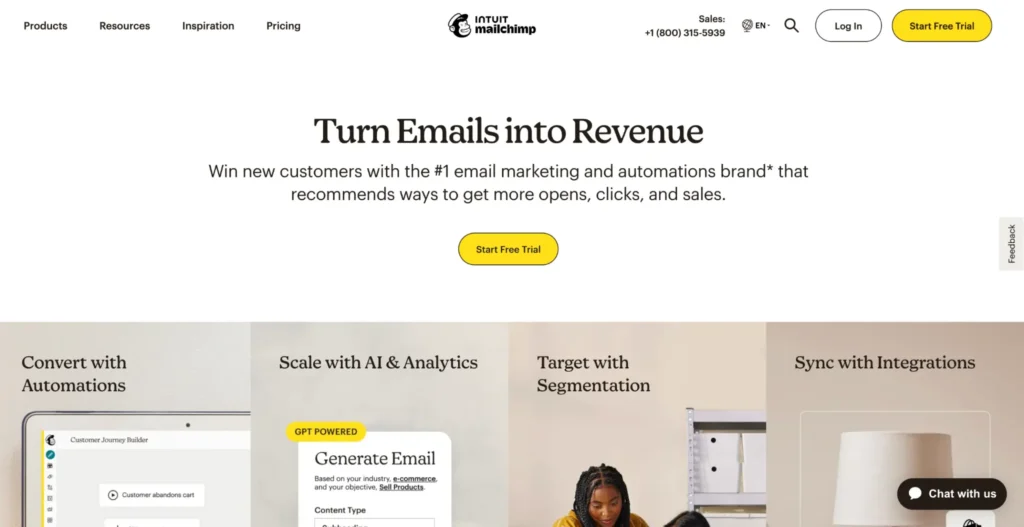
Mailchimp has been around since 2001, so it’s one of the more established tools out there for email marketing and automation. For over two decades, it’s helped businesses handle everything from simple email newsletters to more complex campaigns.
When I started writing on Medium back in 2020, Mailchimp was actually the first email tool I tried. I chose it because they had a 30-day free trial and a free plan for up to 500 subscribers, which was more generous than what most platforms offered for free.
Of course, the free version has some limits, but if you’re just getting started and don’t want to spend money yet, Mailchimp is a solid alternative to MailerLite. It’s perfect for testing your ideas before upgrading to a paid plan.
And unlike MailerLite, Mailchimp isn’t just for sending emails. It’s a full marketing platform. You can build a simple website, grow your email list with signup forms, and even sell products or services directly through it.
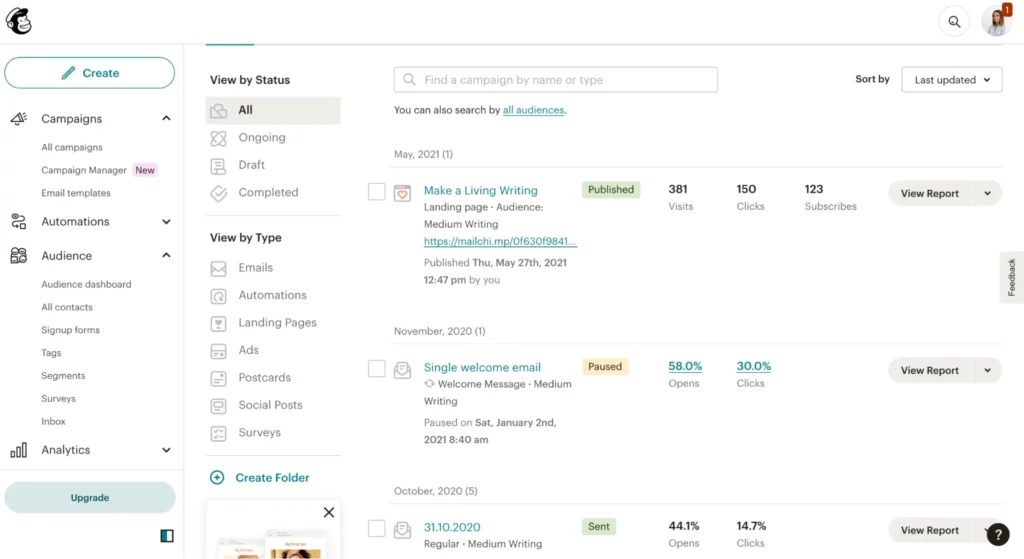
Here’s a quick look at one of my Mailchimp reports, it includes my site stats, welcome email performance, and campaign results.
Overall, I enjoyed using Mailchimp. Some parts were a bit confusing at first, but once I got the hang of it, it worked well.
So, if you are wondering, what’s best Mailchimp vs. MailierLite, I’d recommend testing Mailchimp toolkit and analyzing whether its capabilities align with you business goals.
5. Medium
- Best for: Putting your ideas, stories, or life updates out there and growing an audience along the way.
- Pricing: Totally free to use. If you want to read every story on Medium, it’s $5/month.
- Free trial: Nope, there isn’t one.

Medium can actually be a really good alternative to MailerLite.
I’ve been writing on Medium for five years now, with over 350 articles published and more than 20,000 followers. Over time, I’ve earned over $25,000 from it.
If you want to know my full story and how much I make each month, I’ve shared all the details in one of my posts about writing on Medium.
So, here’s how Medium works: readers pay $5 a month to read unlimited articles, and writers get paid based on how much time people spend reading their work.
What’s different about Medium compared to MailerLite? With MailerLite, you have to work hard to build your audience from scratch. But Medium already has a system that helps spread your content around. As long as your articles follow their rules, they’re more likely to be shown to readers who are interested in what you write about.
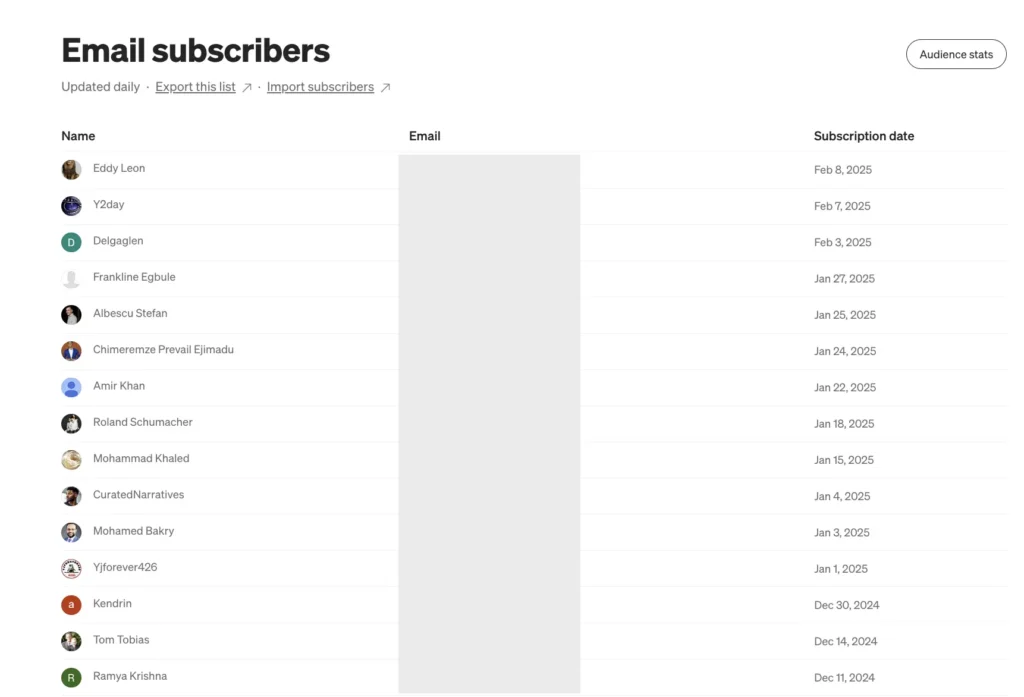
Medium has changed a lot over the years, adding new features to help creators grow. For example, now you can build an email list right from your profile. I can see how many people have signed up to get my stories, and I can even export that list to use somewhere else (usually on beehiiv).
Every time I publish a new article, my subscribers get an automatic email — I don’t have to do a thing.
6. Campaign Monitor
- Best for: This one’s perfect for agencies, retail stores, nonprofits, and publishing businesses that want solid email tools to easily keep in touch with their audience.
- Pricing: Plans begin at just $11 a month and cover up to 500 subscribers.
- Free trial: You can try it free for 30 days. No credit card required. Just remember, during the trial you’re limited to sending 500 emails and having 500 contacts.

If you’re looking for an alternative to MailerLite, Campaign Monitor might be worth checking out. It’s a strong email marketing tool that helps you manage your audience, set up automations, and send campaigns to the right people.
What I really like is how simple it is to use. You can create good-looking newsletters, see how they’re performing, and make changes based on real data not just guesswork.
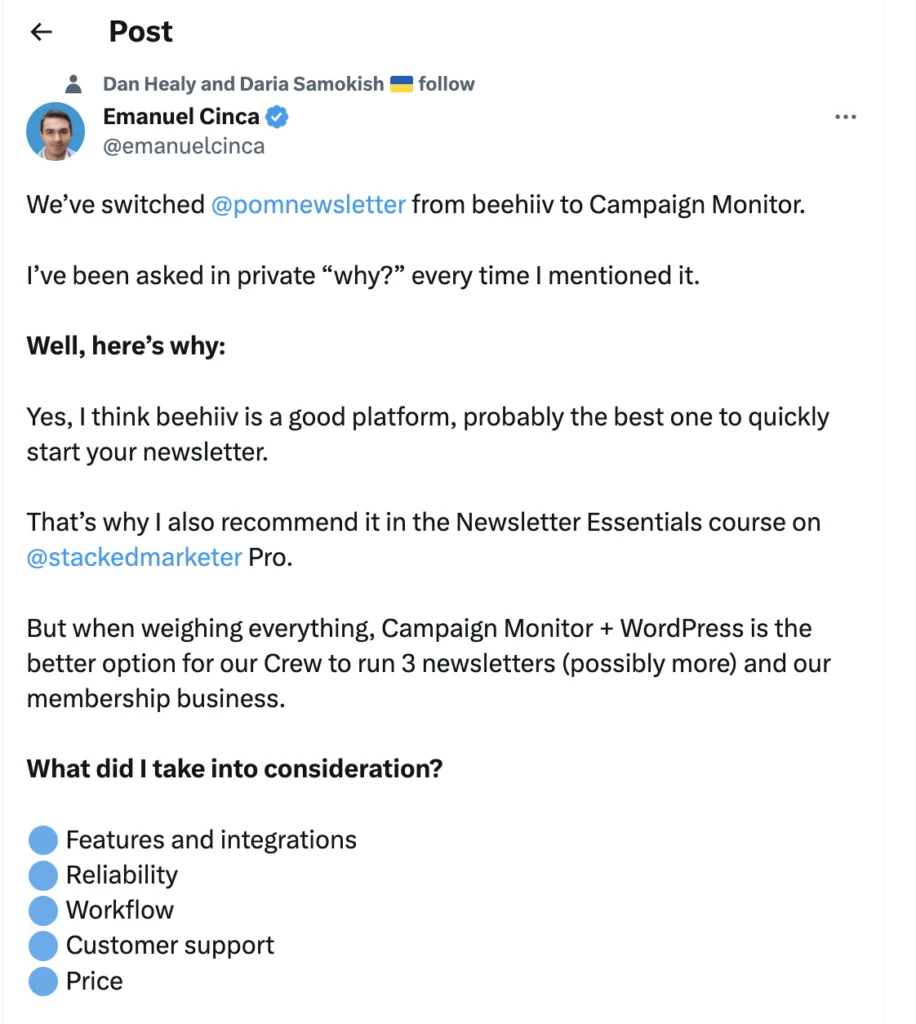
Oh, and I saw a tweet from a content creator who runs three newsletters. They explained why they switched to Campaign Monitor and prefer it over other tools. That definitely got me more curious about what makes it stand out!
7. Mighty Networks
- Best for: Perfect if you’re a business or content creator looking to grow a community.
- Pricing: Costs start at $49 a month.
- Free trial: 14-day free trial for a Business Plan; no credit card required.

Mighty Networks is a super simple platform that lets you create and grow an online community without any headaches. You can easily start conversations, connect with your members, and even set up paid memberships, no tricky tech skills needed. It’s affordable, takes care of your domain setup, and makes launching your community really easy.
With Mighty’s customizable Spaces, you can mix your paid content with awesome features like live streams, events, interactive courses, forums, and direct messaging—all in one spot.
Think of it like MailerLite, but packed with way more tools to keep your audience engaged!
I’ve shared all the details in my full review of Mighty Networks if you want to know more.
8. Gumroad
- Best for: Perfect for content creators and online stores that want to sell both digital and physical products.
- Pricing: You can use it for free, but they take 10% from each sale you make.
- Free trial: There’s is no need for a trial, because the tool is free to use.
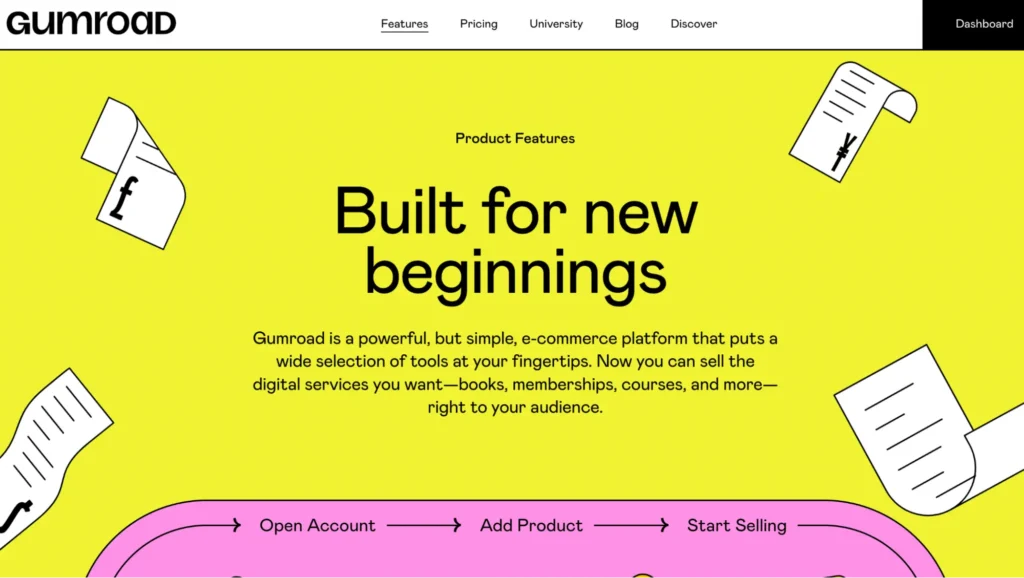
Gumroad isn’t really built as an email marketing tool, but honestly, it does a great job as a free alternative to MailerLite.
I’ve been using Gumroad since April 2021 to sell my SEO ebook and other services, and I love how easy it is to use. It’s made for creators like us to grow an audience and sell stuff, without juggling a bunch of different apps.
So far, I’ve earned over $14,000 just from selling ebooks on Gumroad! If you’re thinking about whether it might work for you, I’ve put together a detailed Gumroad review you can check out.
And hey, here’s a quick look at my sales page on Gumroad.
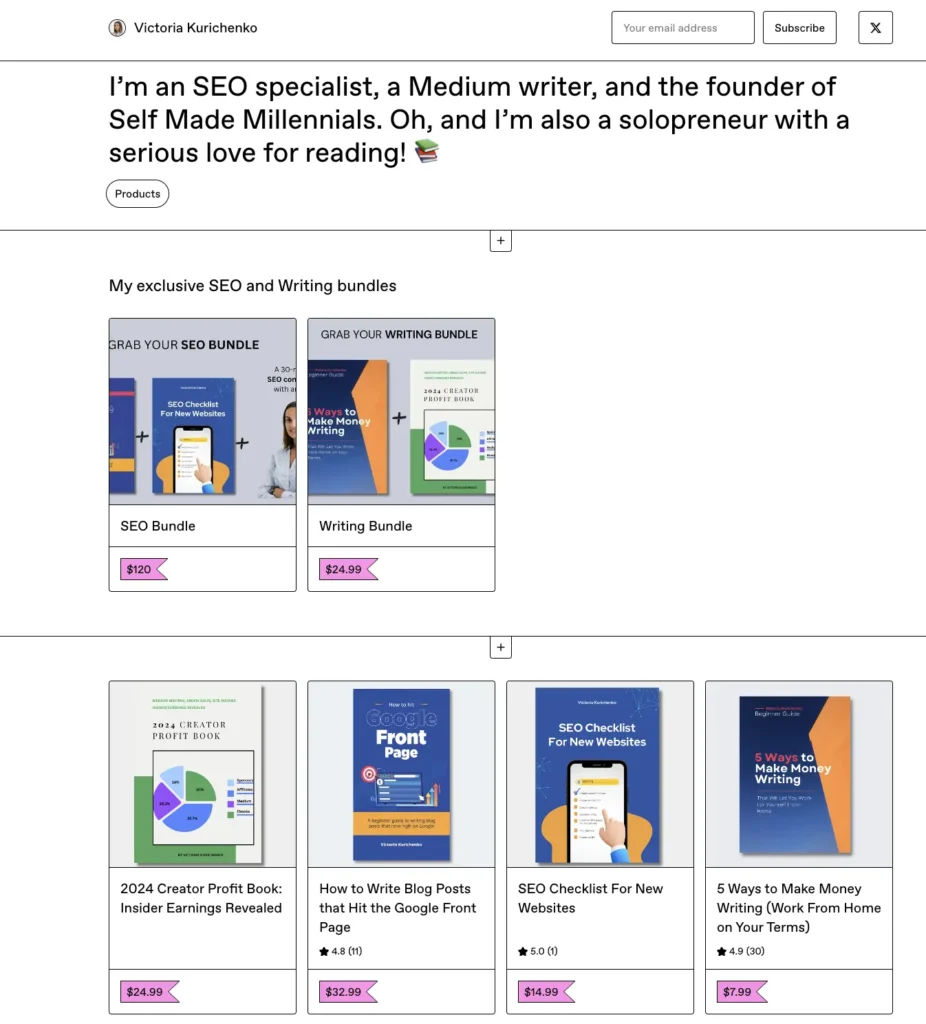
The customization options are pretty simple, but honestly, that’s a good thing. Most pages stick to a clean and clear layout, so buyers stay focused on what you’re offering without getting sidetracked by fancy design stuff.
Plus, you’re not just limited to selling products. You can also give away freebies, like lead magnets, to help grow your email list.
That’s why Gumroad is a solid alternative to MailerLite. It lets you build your audience and sell stuff all in one place!
9. Substack
- Best for: Startups, businesses, and creators who want an easy way to combine blogging and email marketing in one place.
- Pricing: Using Substack is free. If you make money from paid subscriptions, they take 10% of that, plus the usual credit card fees (around 2.9% plus 30 cents per transaction). There’s also a small extra fee if you have recurring subscriptions.
- Free trial: No need. Substack is free to get started right away.
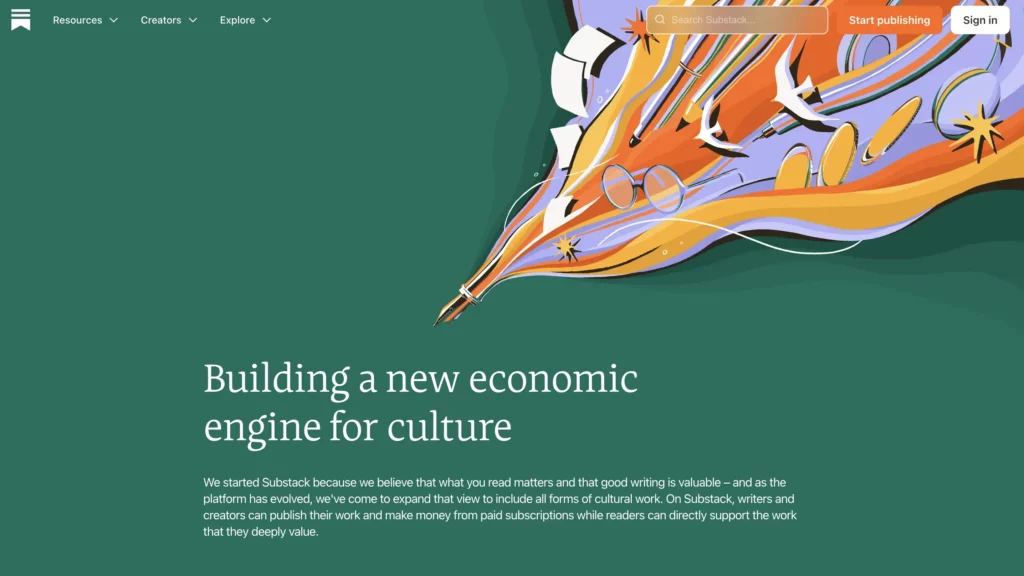
I’ve seen people often debate which is better: Substack or MailerLite. Honestly, they’re pretty different.
Substack isn’t just an email tool like MailerLite. It’s been around since 2017 and works more like a full media platform where you can share videos, podcasts, blogs, paid memberships, and newsletters all in one place.
The free plan has some limits, but if you’re just starting out and don’t want to spend money on email marketing, Substack is a great free option to try your ideas before paying for something else.
What makes Substack stand out is that it’s not only about sending emails. It’s a complete content marketing tool. You can build a website, collect emails with sign-up forms, and even sell paid subscriptions. Plus, they have an app for both iOS and Android, so you can manage things anytime, anywhere. Not many platforms give you that kind of freedom.
If you’ve already used Substack and want to see some other options, I wrote a post about my favorite Substack alternatives.
10. Memberful
- Best for: A platform where you can build, run, grow, and make money from your membership site.
- Pricing: Starts at $49 a month, and you can have unlimited members.
- Free trial: You can try Memberful Pro for free until you connect your Stripe account and actually start taking payments.

If you’re a content creator looking to make money through memberships, Memberful could be worth checking out.
While MailerLite is perfect for creating and automating email marketing campaigns, Memberful gives you full control over how you set up and sell your subscriptions. You can offer different membership levels, share exclusive content, and add extra perks — all from one place.
Plus, it works well with platforms like WordPress, so adding memberships to your site is pretty simple.
In short, Memberful is made for managing memberships, while MailerLite is more like a powerful email marketing tool.

Join the newsletter for actionable SEO tips, case studies, and a behind-the-scenes look at my affiliate marketing journey.
No spam. Unsubscribe anytime.